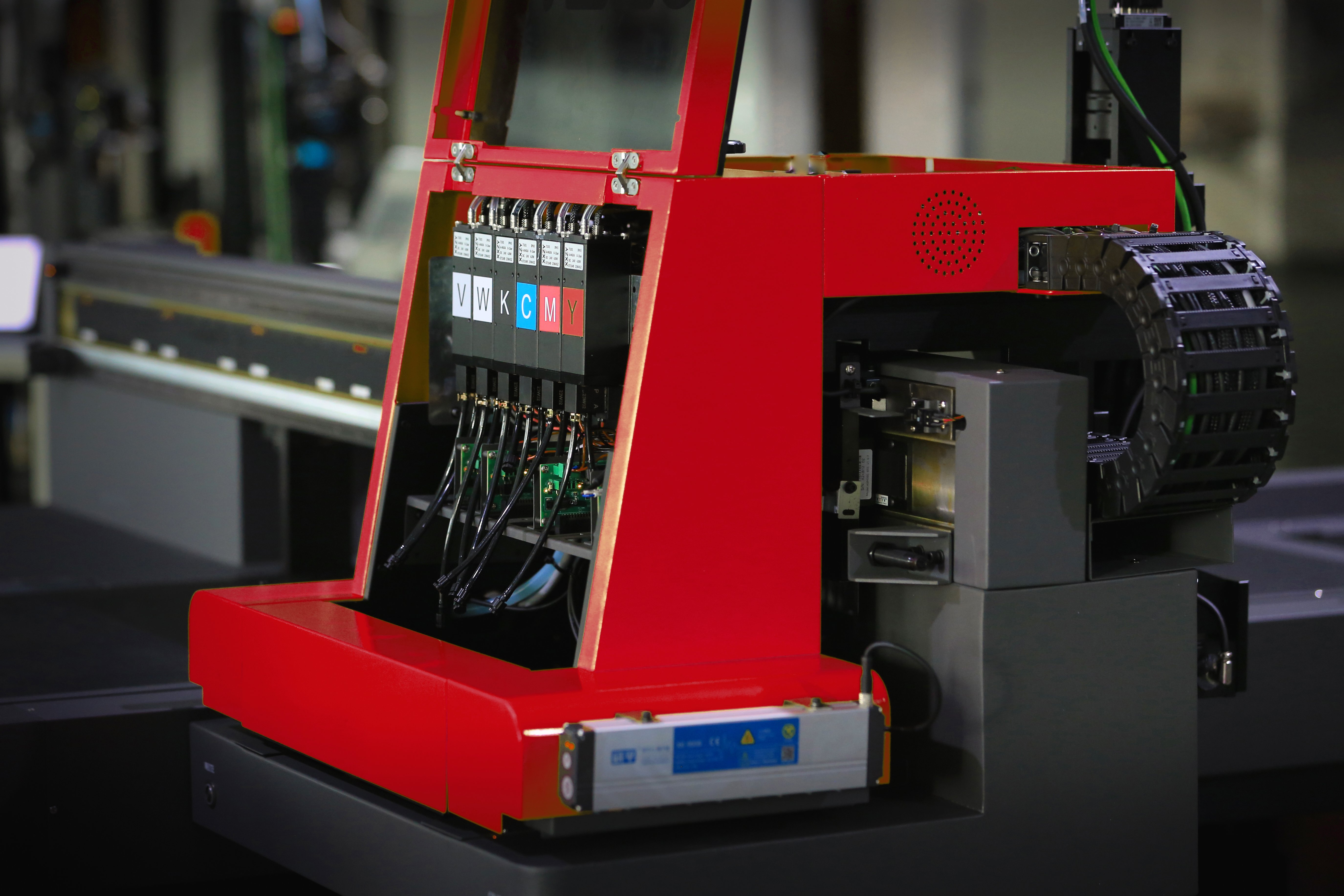
A digital inkjet printing machine is only as effective as the ink system supporting it. When ink compatibility is compromised, the entire production workflow suffers — from inconsistent color output to clogged printheads and unplanned downtime. Understanding which ink-related factors affect efficiency is essential for any operation relying on a digital inkjet printing machine to meet tight production schedules and quality standards.
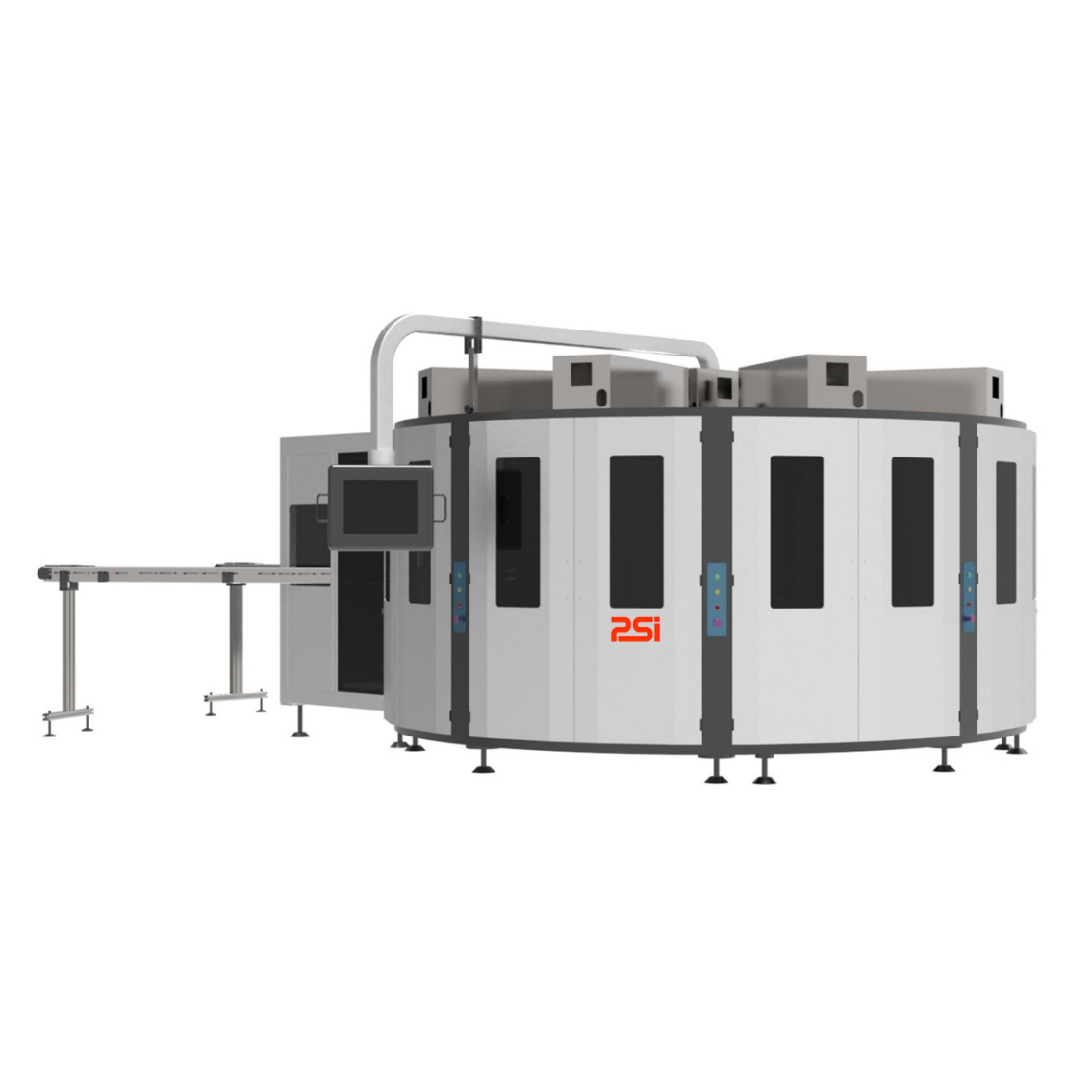
Ink compatibility is not a single-variable problem. It involves the relationship between ink chemistry, printhead design, substrate type, and machine firmware. A digital inkjet printing machine running with mismatched ink can face a cascade of performance failures that are costly and difficult to reverse. This article examines the specific compatibility issues that affect a digital inkjet printing machine and explains how each one reduces operational efficiency.
Every digital inkjet printing machine uses a printhead engineered to operate within a defined range of ink viscosity, surface tension, and particle size. When ink formulation falls outside these parameters, droplet formation becomes unstable. A digital inkjet printing machine may produce satellite droplets, misdirected spray, or irregular dot gain, all of which degrade image resolution and color fidelity. These effects are not always immediately visible but accumulate over time into measurable quality defects.
Solvent-based, UV-curable, water-based, and dye-sublimation inks each carry unique chemical profiles. A digital inkjet printing machine designed for water-based inks will likely experience corrosion, swelling, or blockage when solvent-based inks are introduced. Even within the same ink category, different formulations from different suppliers can produce incompatible interactions. This is why procurement teams working with a digital inkjet printing machine must verify ink specifications against the original equipment manufacturer recommendations before switching suppliers.
Viscosity is temperature-sensitive, and a digital inkjet printing machine operating in varying ambient conditions will encounter viscosity drift throughout a production shift. If the ink used in a digital inkjet printing machine does not maintain stable viscosity across the operating temperature range, the machine's ink delivery system must compensate constantly. This leads to inconsistent ink volume per drop, variable print density, and premature wear on the ink recirculation components. Facilities running a digital inkjet printing machine in non-climate-controlled environments are especially vulnerable to this issue.
A digital inkjet printing machine deposits ink onto a wide range of substrates, from coated papers and textiles to films and rigid boards. Each substrate has a specific surface energy that determines how well ink spreads, adheres, and cures. When a digital inkjet printing machine is used with an ink not matched to the substrate's surface energy, the result is poor adhesion, ink beading, feathering, or bleeding. These defects not only reduce output quality but also increase material waste, directly lowering the efficiency of the digital inkjet printing machine.
Textile applications present a particularly demanding scenario. A digital inkjet printing machine printing on polyester requires reactive or disperse inks that chemically bond with the fiber. Using pigment inks not formulated for fabric on a digital inkjet printing machine can produce prints that crack, fade, or wash out after minimal use. The mismatch between ink type and substrate absorptivity creates a fundamental incompatibility that no post-processing step can reliably correct.
Many substrates must receive a pre-treatment or coating before a digital inkjet printing machine applies ink. This pre-treatment adjusts surface energy, controls ink spread, and enhances color gamut. When the pre-treatment chemistry is incompatible with the ink used in a digital inkjet printing machine, the resulting chemical interaction can cause unintended color shifts or surface tackiness. Operators must treat pre-treatment selection as an integral part of ink compatibility planning, not as a separate variable for their digital inkjet printing machine workflow.
Modern digital inkjet printing machine platforms use firmware-driven ink profiles that control waveform settings, drop weight, firing frequency, and head voltage. These profiles are calibrated for specific certified inks. When a non-certified ink is loaded into a digital inkjet printing machine, the waveform settings may over-drive or under-drive the printhead, causing premature nozzle failure or erratic droplet ejection. Running a digital inkjet printing machine with uncertified ink voids many manufacturer warranties and significantly shortens printhead service life.
Firmware updates can sometimes introduce new certified ink profiles for a digital inkjet printing machine, but operators must apply these updates carefully. An update that recalibrates ink delivery for a new ink type may alter performance for previously compatible inks. Maintaining a clear ink qualification log for a digital inkjet printing machine helps production teams track which ink-firmware combinations have been validated and which require additional testing.
Even a correctly specified ink can cause compatibility issues in a digital inkjet printing machine if it has been improperly stored or contaminated during handling. Ink exposed to temperature extremes, UV light, or moisture before loading into a digital inkjet printing machine can undergo chemical degradation that changes its viscosity, pH, or particle distribution. A digital inkjet printing machine loaded with degraded ink will experience increased nozzle blockages, color inaccuracy, and potential damage to the ink supply system. Strict storage and handling protocols are a non-negotiable part of maintaining ink compatibility in any digital inkjet printing machine environment.
Using incompatible ink in a digital inkjet printing machine can cause clogged nozzles, inconsistent color output, adhesion failures on substrates, and premature printhead degradation. In severe cases, it can permanently damage the ink delivery system of the digital inkjet printing machine, resulting in costly repairs and extended downtime.
Operators should consult the manufacturer's certified ink list for their digital inkjet printing machine model, review ink technical data sheets for viscosity and surface tension specifications, and conduct controlled test runs before full production. Third-party ink suppliers should provide compatibility documentation specific to the digital inkjet printing machine being used.
Yes. The substrate's surface energy, porosity, and coating directly influence how ink from a digital inkjet printing machine adheres and cures. A digital inkjet printing machine printing on untreated film with water-based ink, for example, will likely produce poor adhesion and smearing. Matching ink chemistry to substrate properties is as critical as matching ink to the printhead specifications of the digital inkjet printing machine.
 EN
EN
 AR
AR FR
FR DE
DE HI
HI IT
IT JA
JA KO
KO PT
PT RU
RU ES
ES IW
IW ID
ID VI
VI TH
TH TR
TR FA
FA
 Hot News